
For everyone
Move between records without closing them
Use the previous and next arrows in the record window to work through a list or board.
The screenshots show the English interface. The buttons are in the same places, and most are labelled in your language.
When you open a record, arrows in the top corner take you to the previous or next record in the order you see on screen, so you can work through a list or board without closing the window.
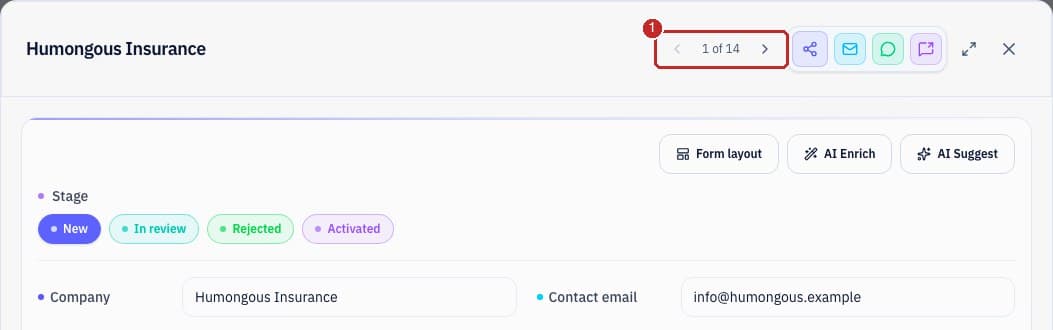
- 1The counter shows where you are, for example 1 of 14. The arrows follow the order of your list, board or table, including across pages.
Unsaved changesIf you changed something and did not save, you are asked before moving on, so nothing is lost silently.
Who can do thisAnyone who can open the record.
Related guides
Need more help?
Our team is happy to help.